Smart scanning
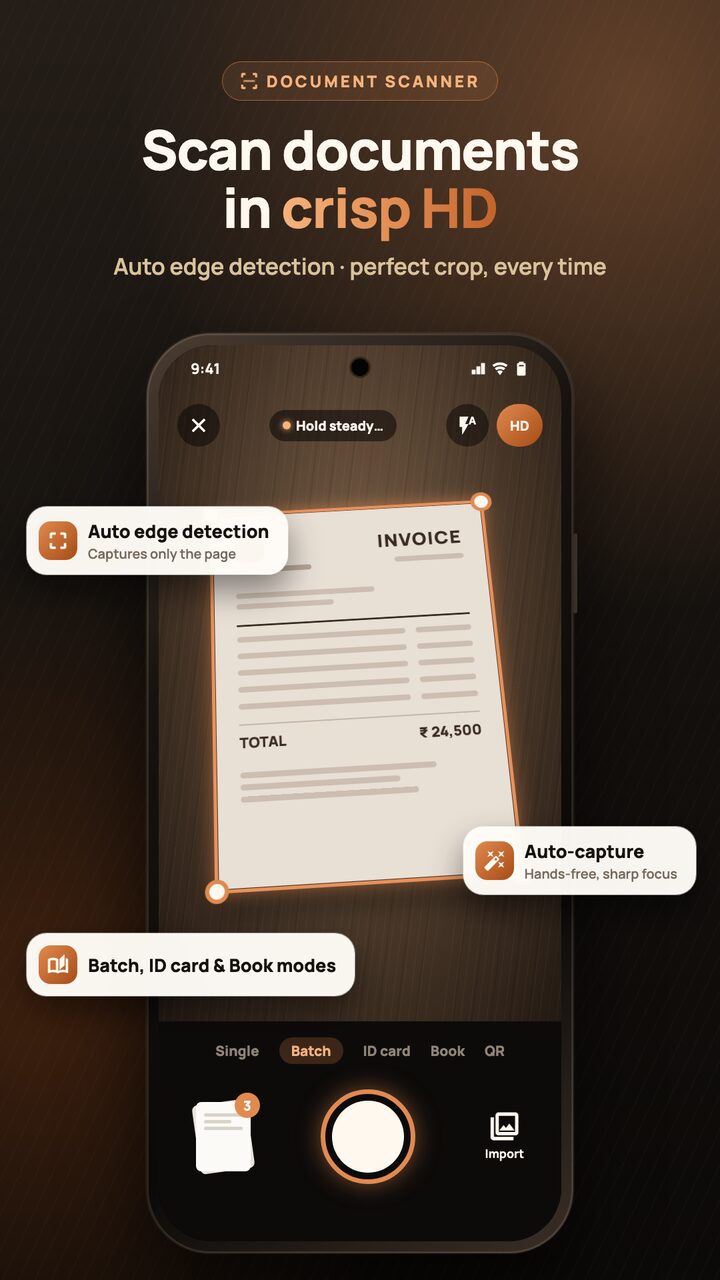
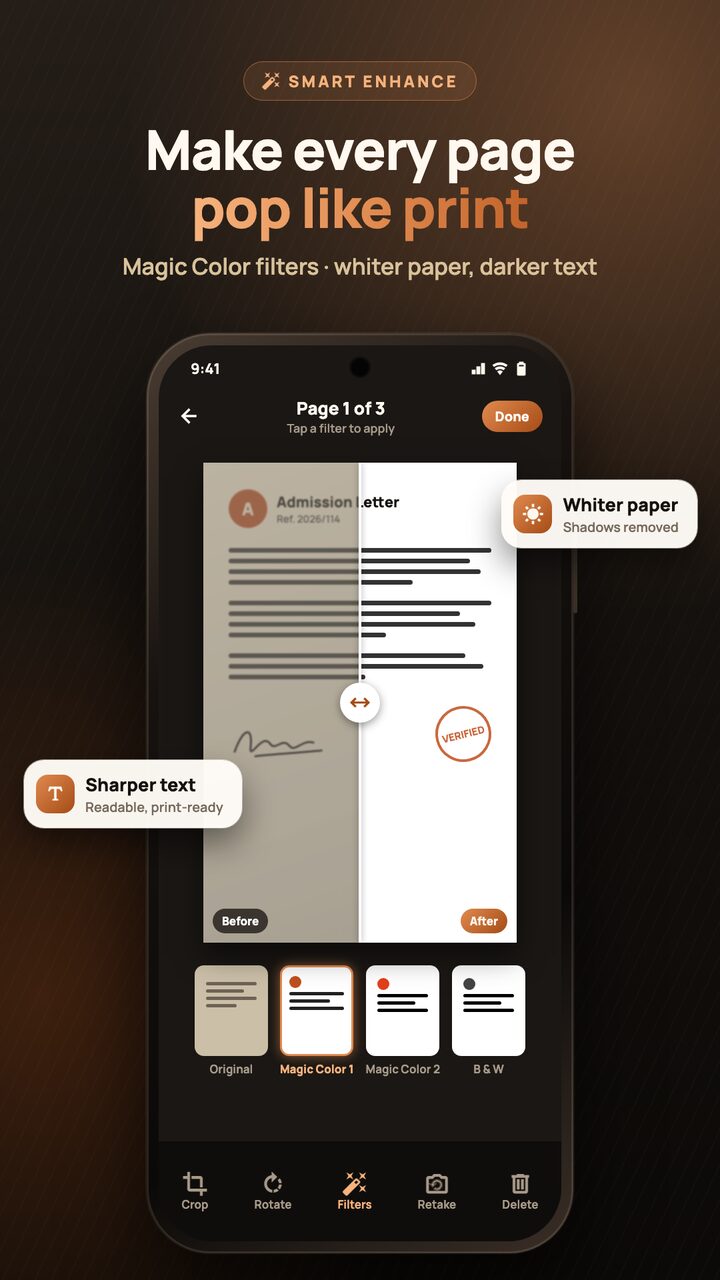
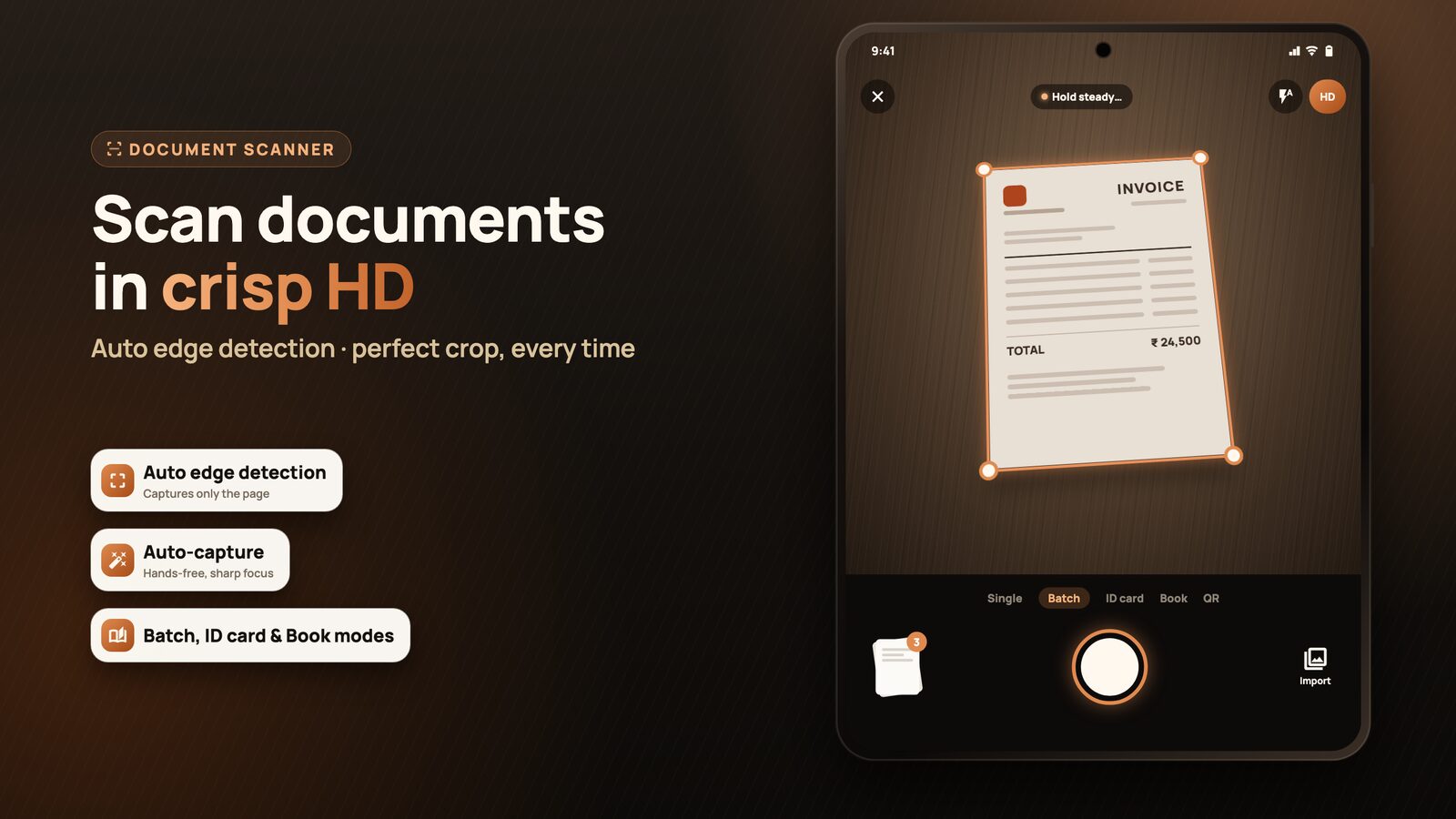
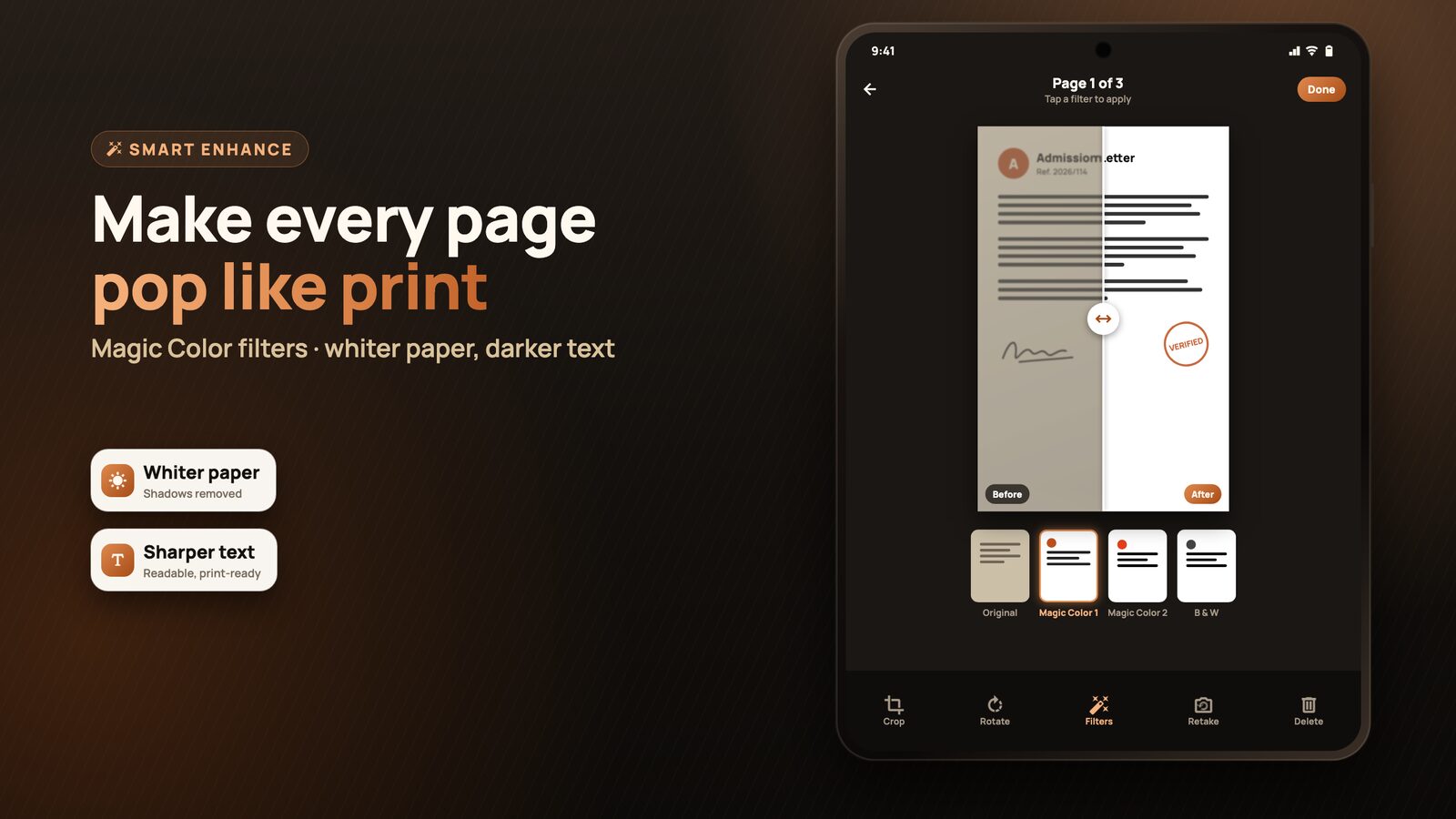
HD capture with auto edge detection that crops to just the page, plus auto-capture. Magic Color and B&W filters for whiter paper and darker text. Batch, ID card (front + back on one page) and book modes.
Scan documents, sign and self-attest them, shrink PDFs for government portals, and make passport and exam form photos. All on your phone, even offline.
Free to download · No account · Your documents never leave your phone
Everything in one app
Built for the documents Indians deal with every day: Aadhaar and PAN cards, exam forms, job applications, bills and books.
HD capture with auto edge detection that crops to just the page, plus auto-capture. Magic Color and B&W filters for whiter paper and darker text. Batch, ID card (front + back on one page) and book modes.
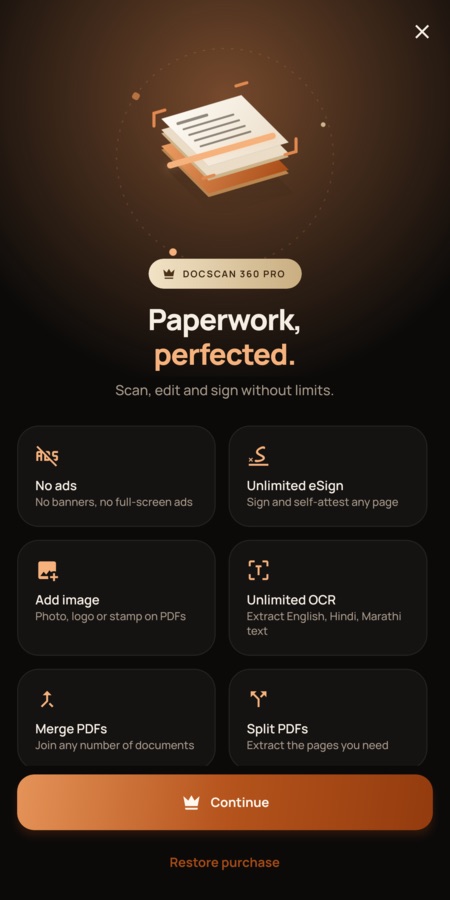
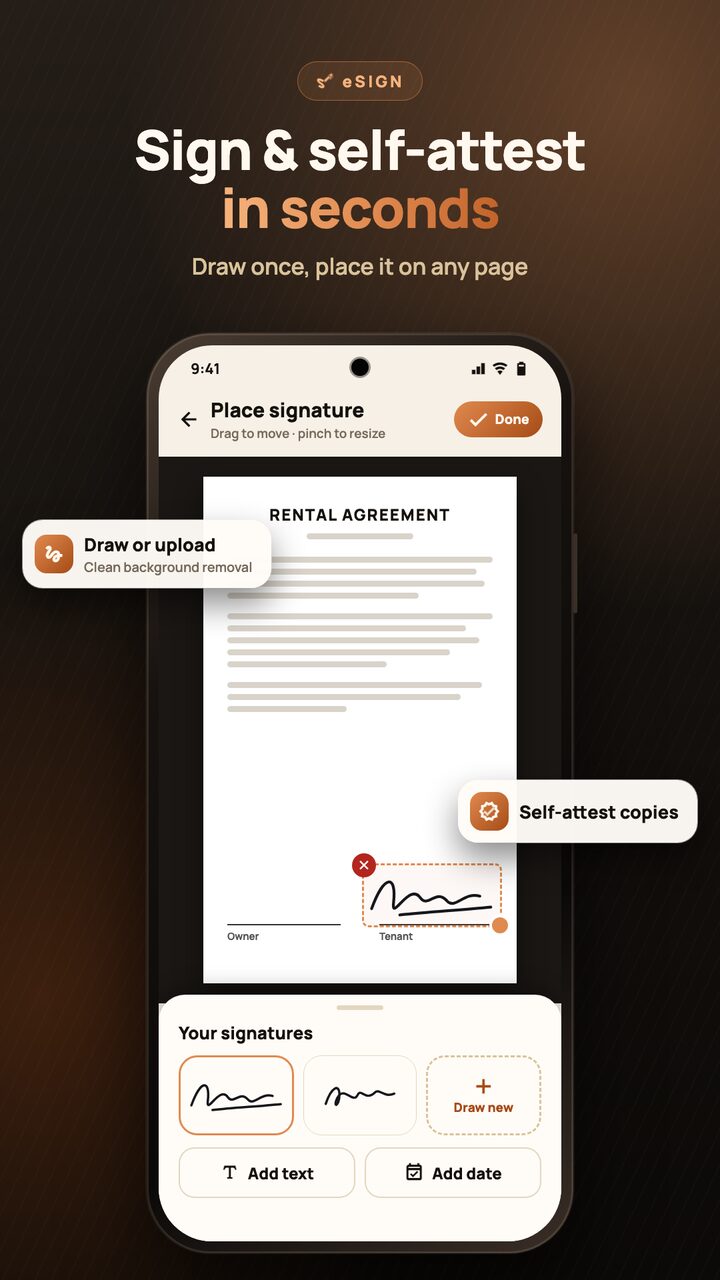
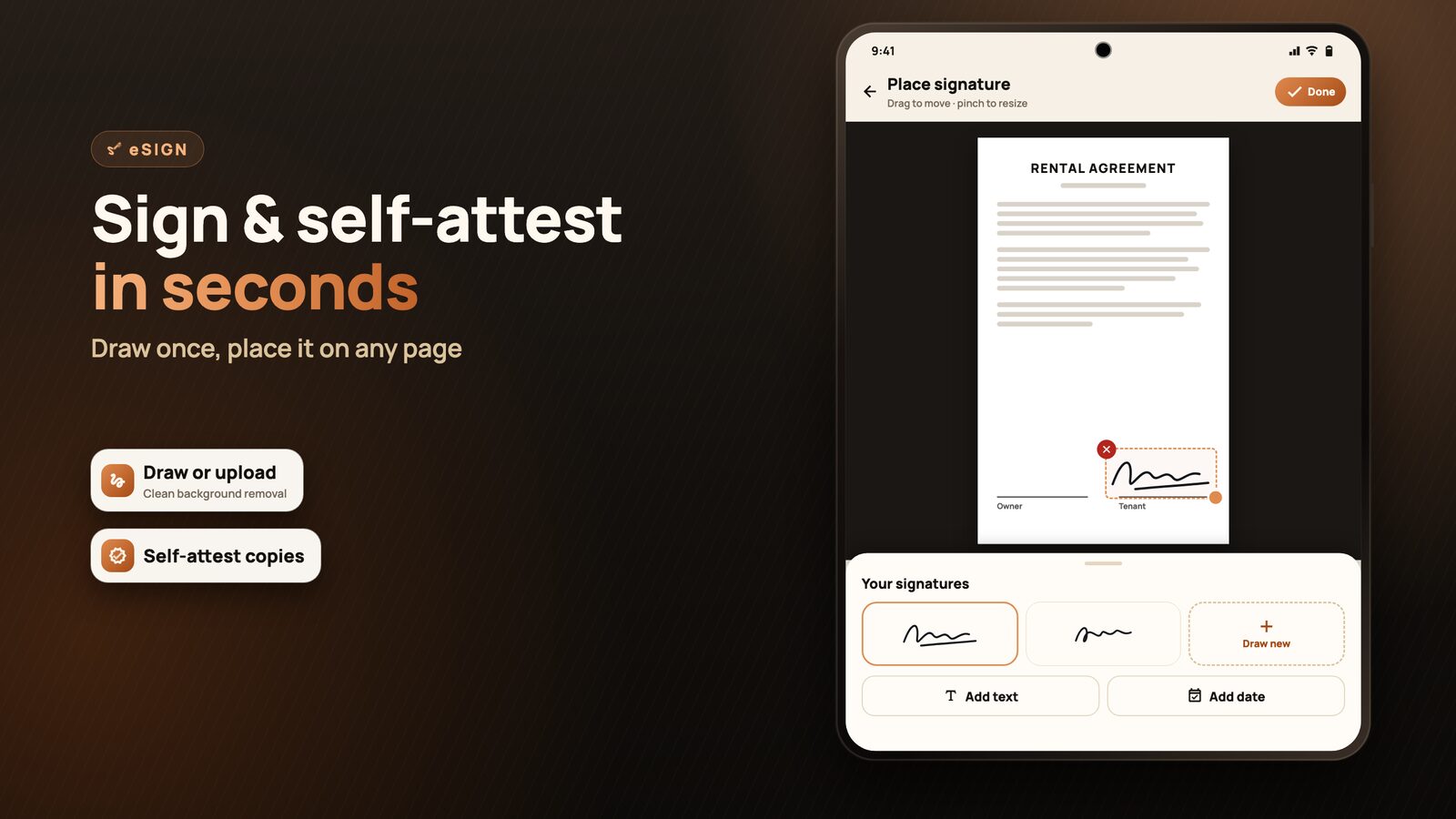
Draw, or photograph your signature. The background is removed automatically. Add “Self Attested” with today’s date, on one page or all.
Shrink a PDF under 100 KB, 200 KB or 1 MB, or make it bigger, to meet a portal’s minimum size, without changing how it looks.
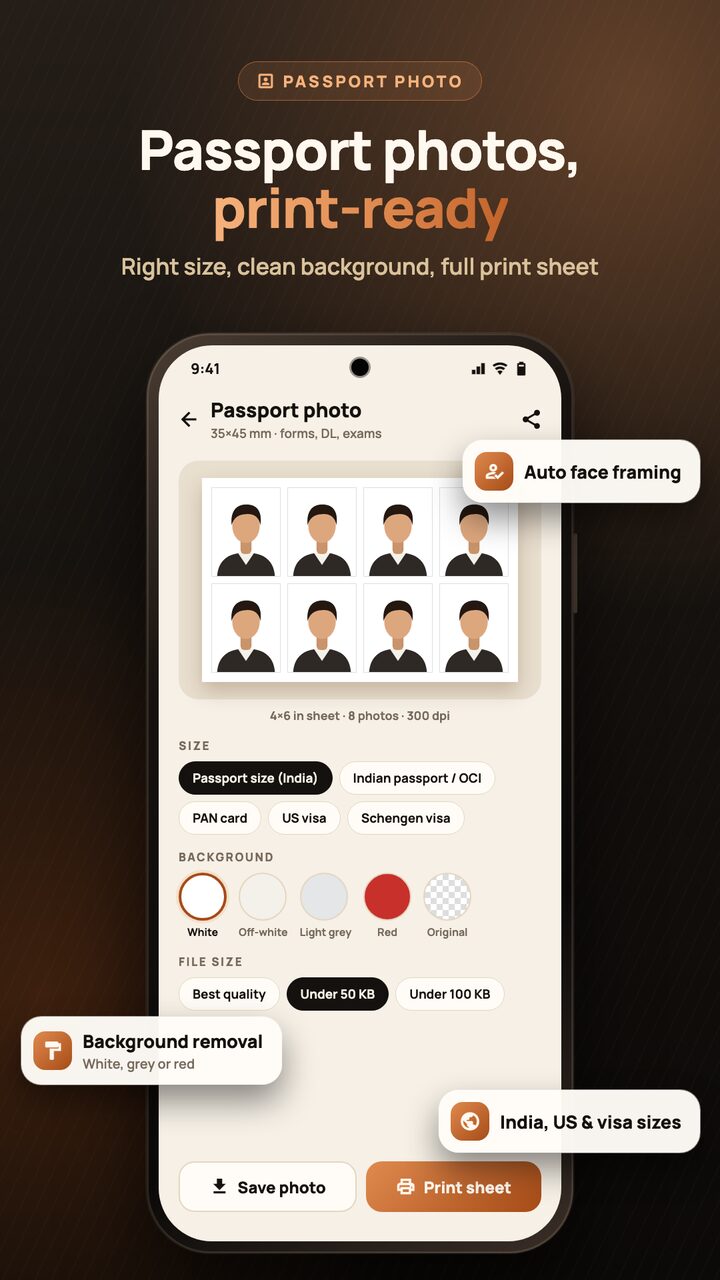
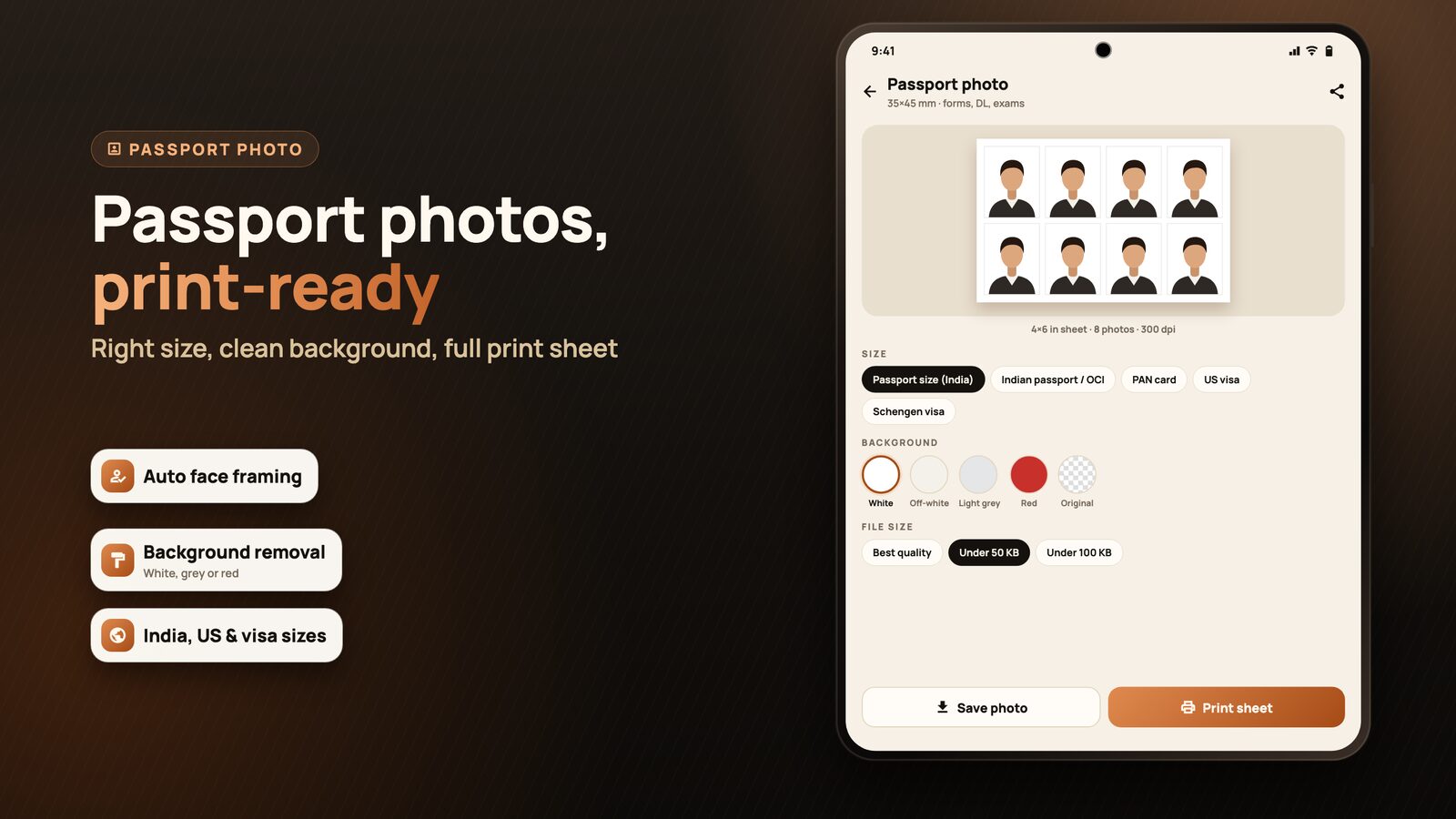
Indian passport, visa, PAN and stamp sizes. Change the background colour, then save single photos, a 4×6 print or an A4 sheet.
Exact pixels and KB for IBPS, SBI, SSC, UPSC, NEET, JEE, CUET, RRB and PAN. Adds the name and date strip when required.
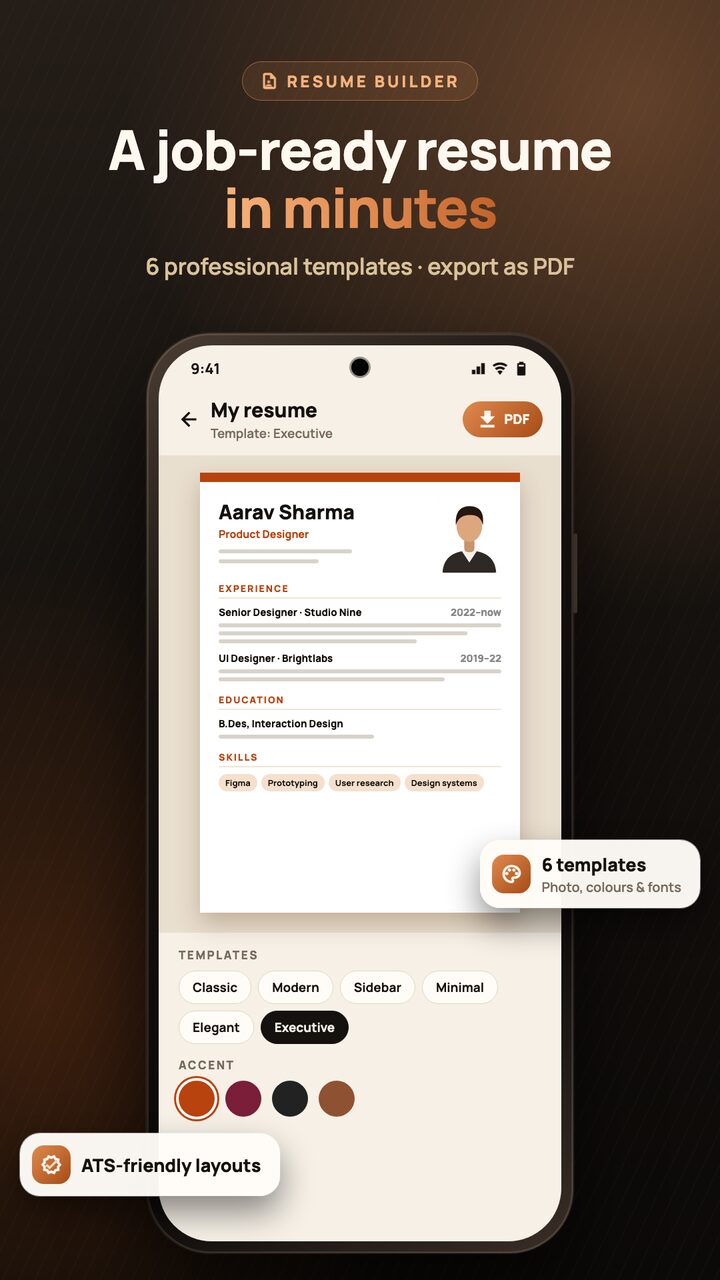
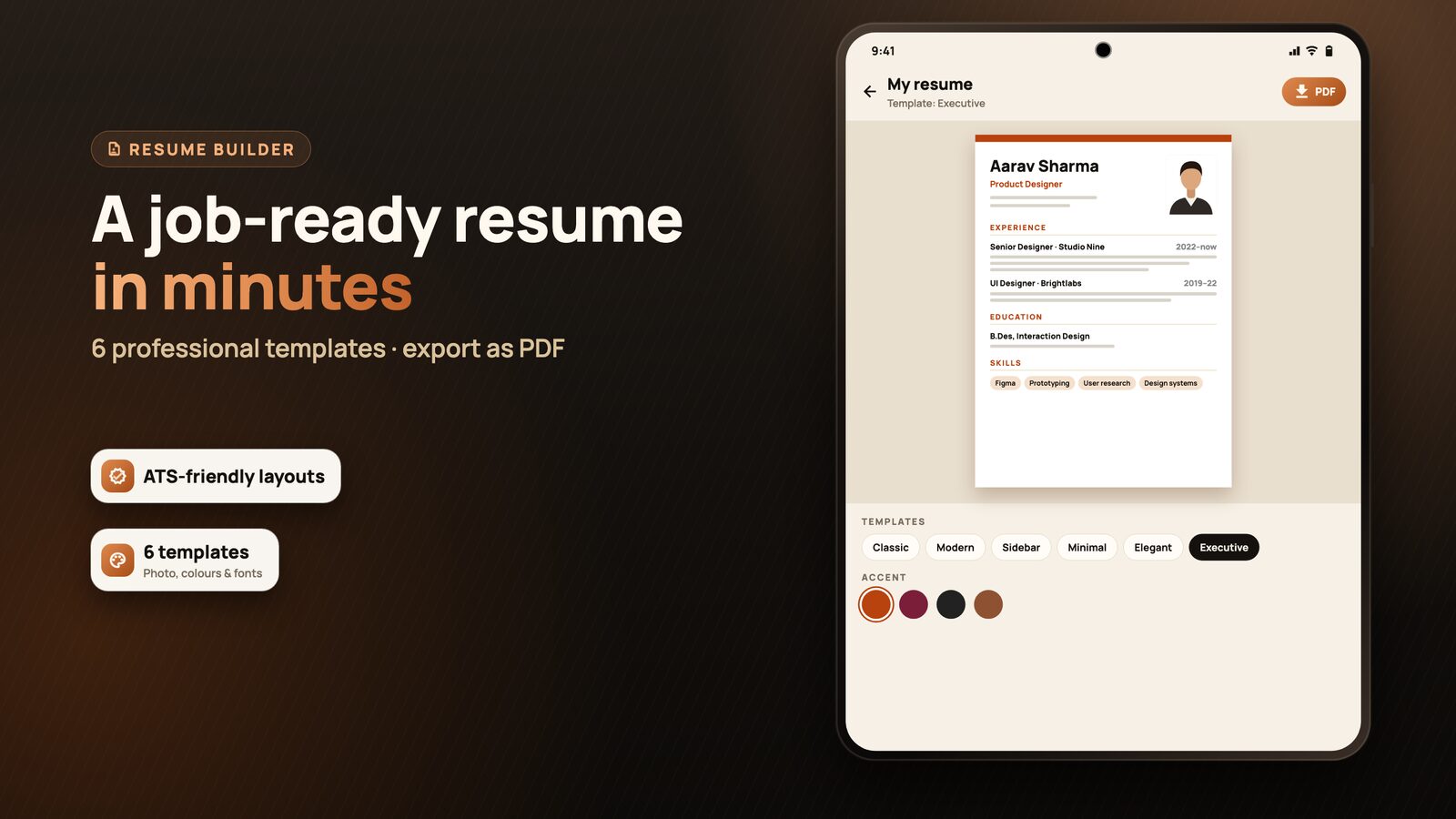
Five quick steps, six professional designs and ready-made samples. Share or print a clean PDF resume.
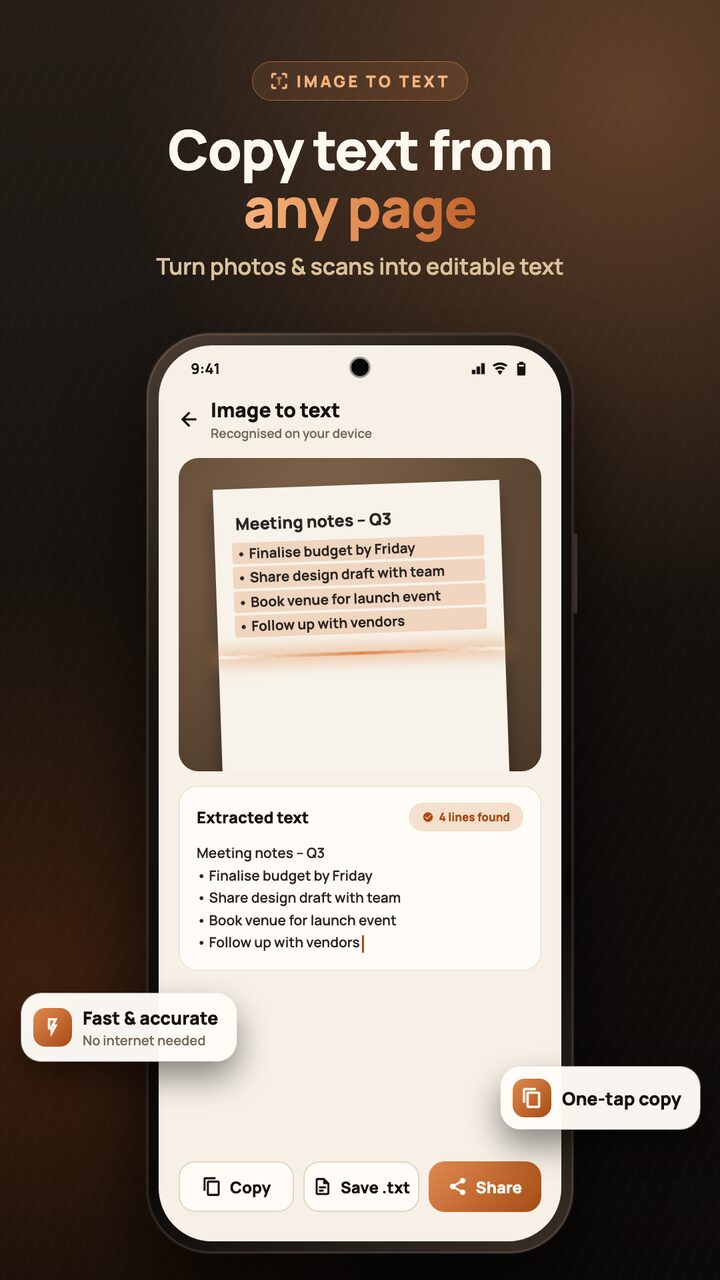
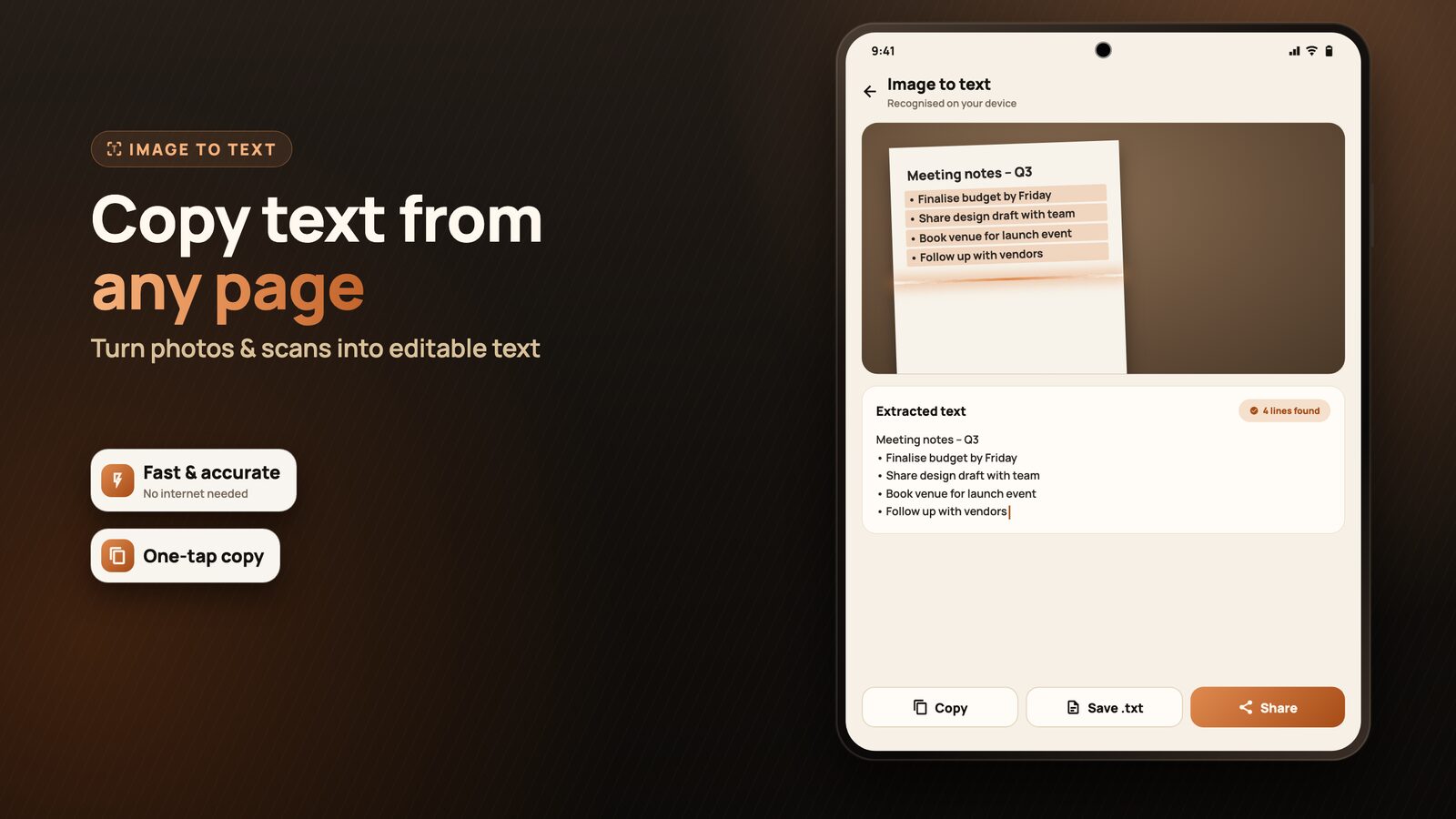
Turn any page into editable text, in English, Hindi and Marathi. Search inside all your scans.
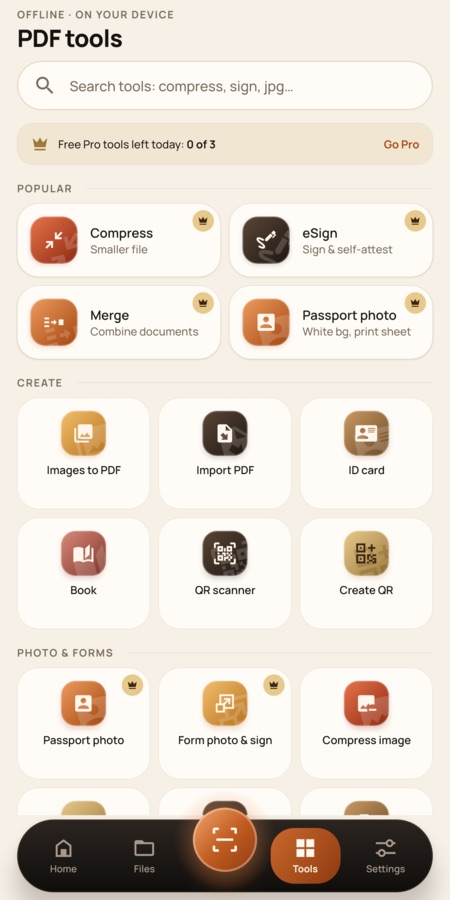
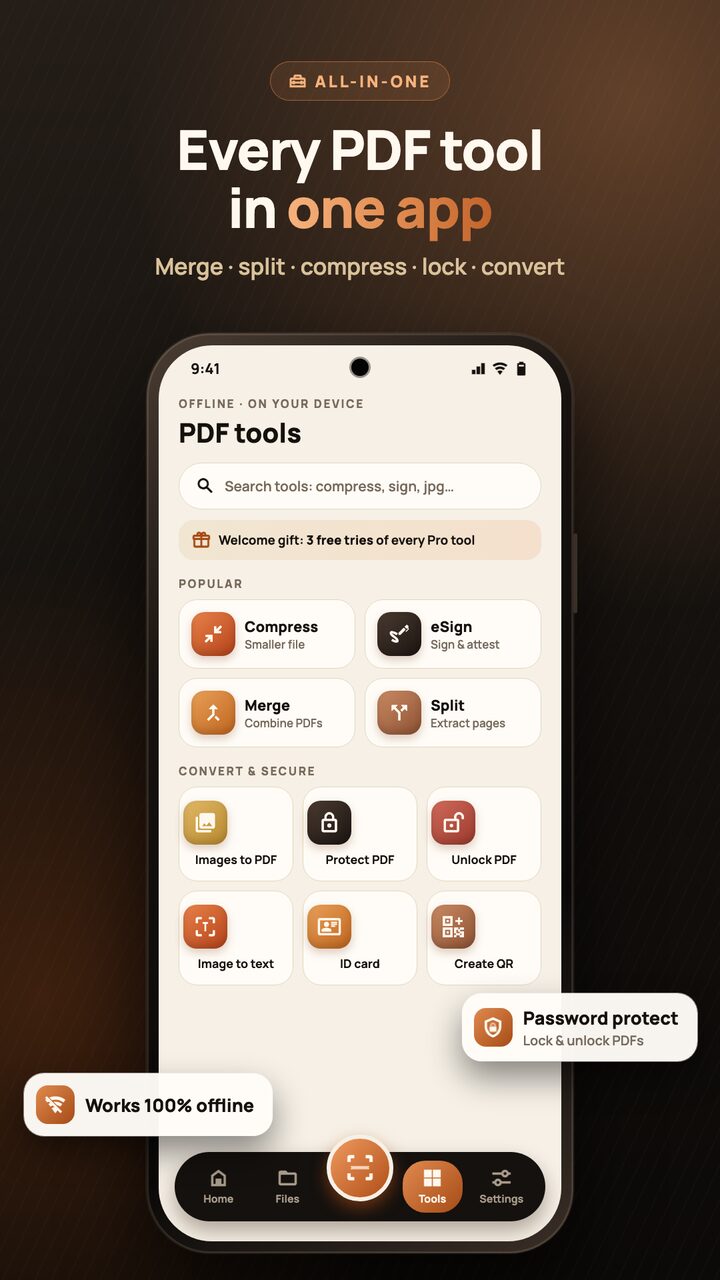
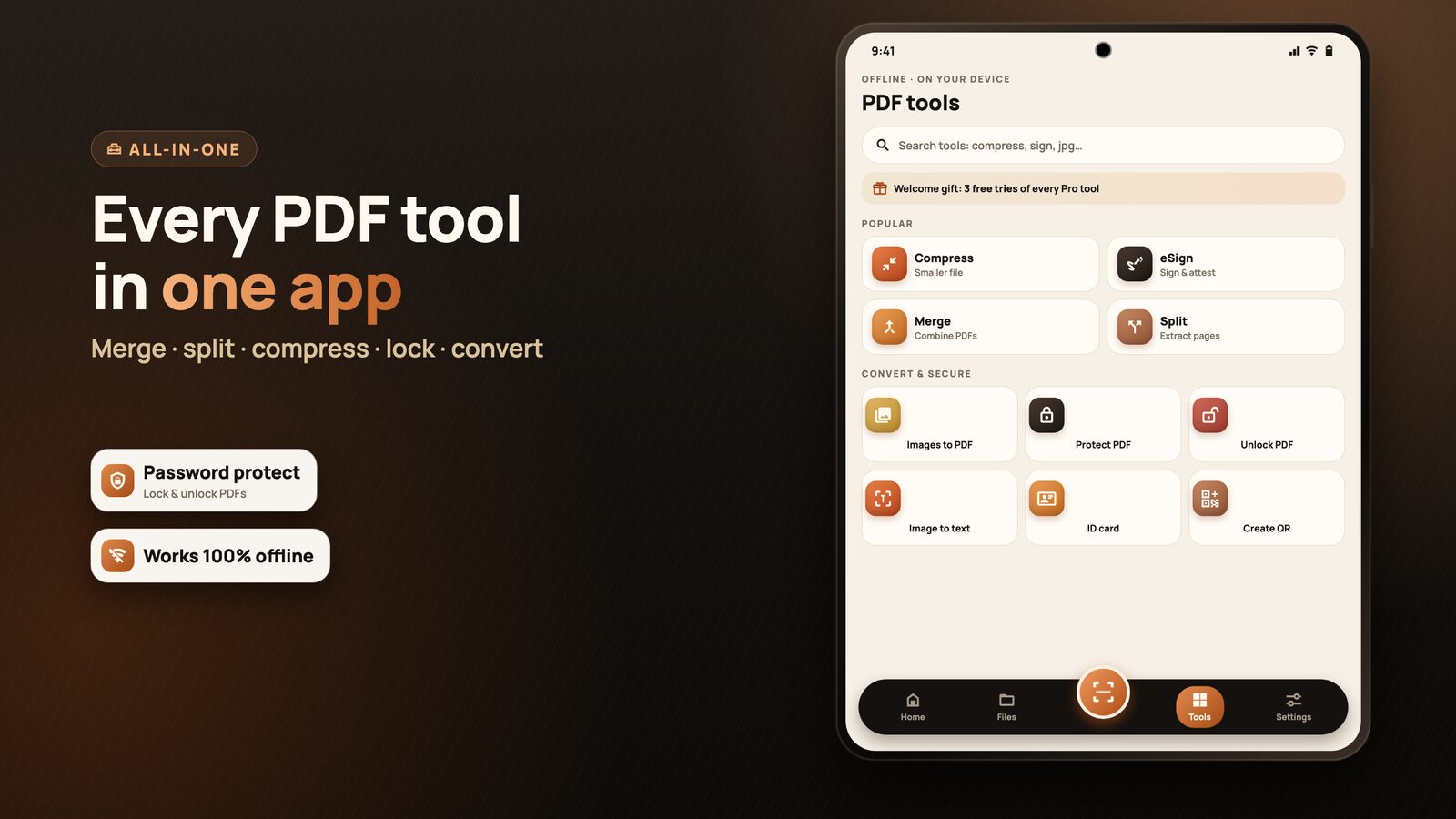
Merge and split PRO, rotate, reorder, watermark, add page numbers, and convert PDF to JPG.
Lock PDFs with AES-256 encryption, or remove a password you know before uploading.
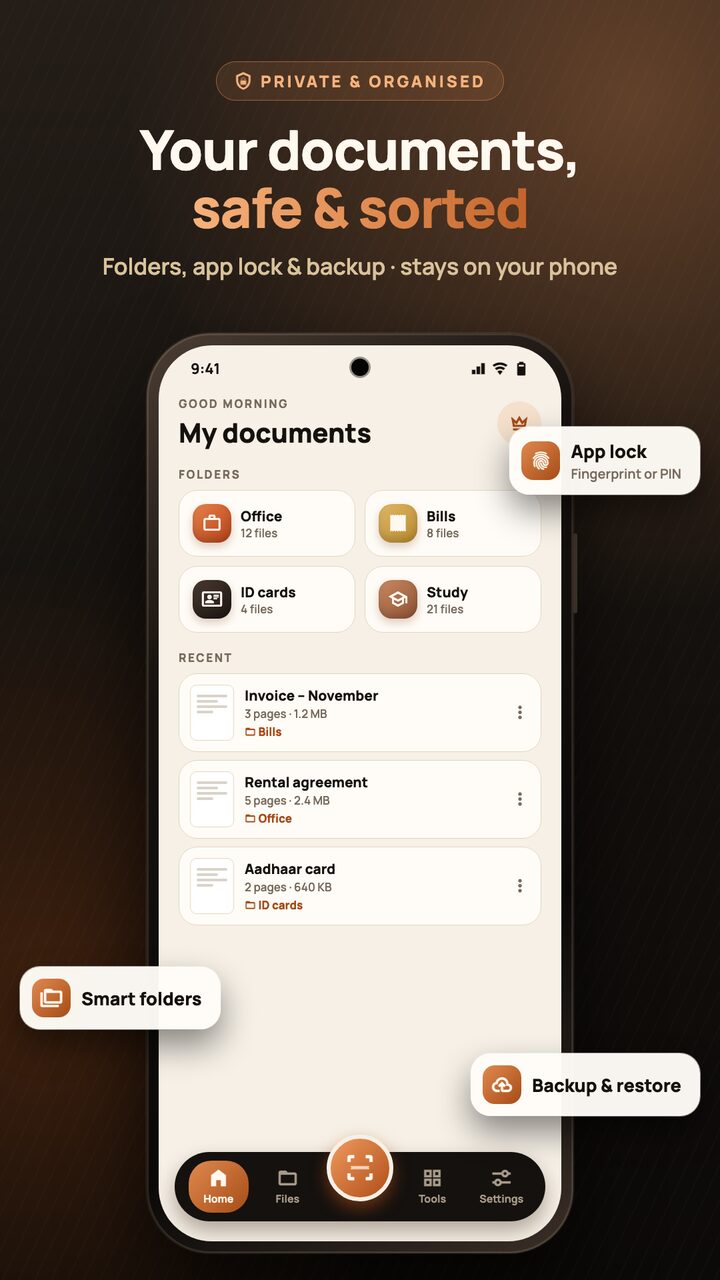
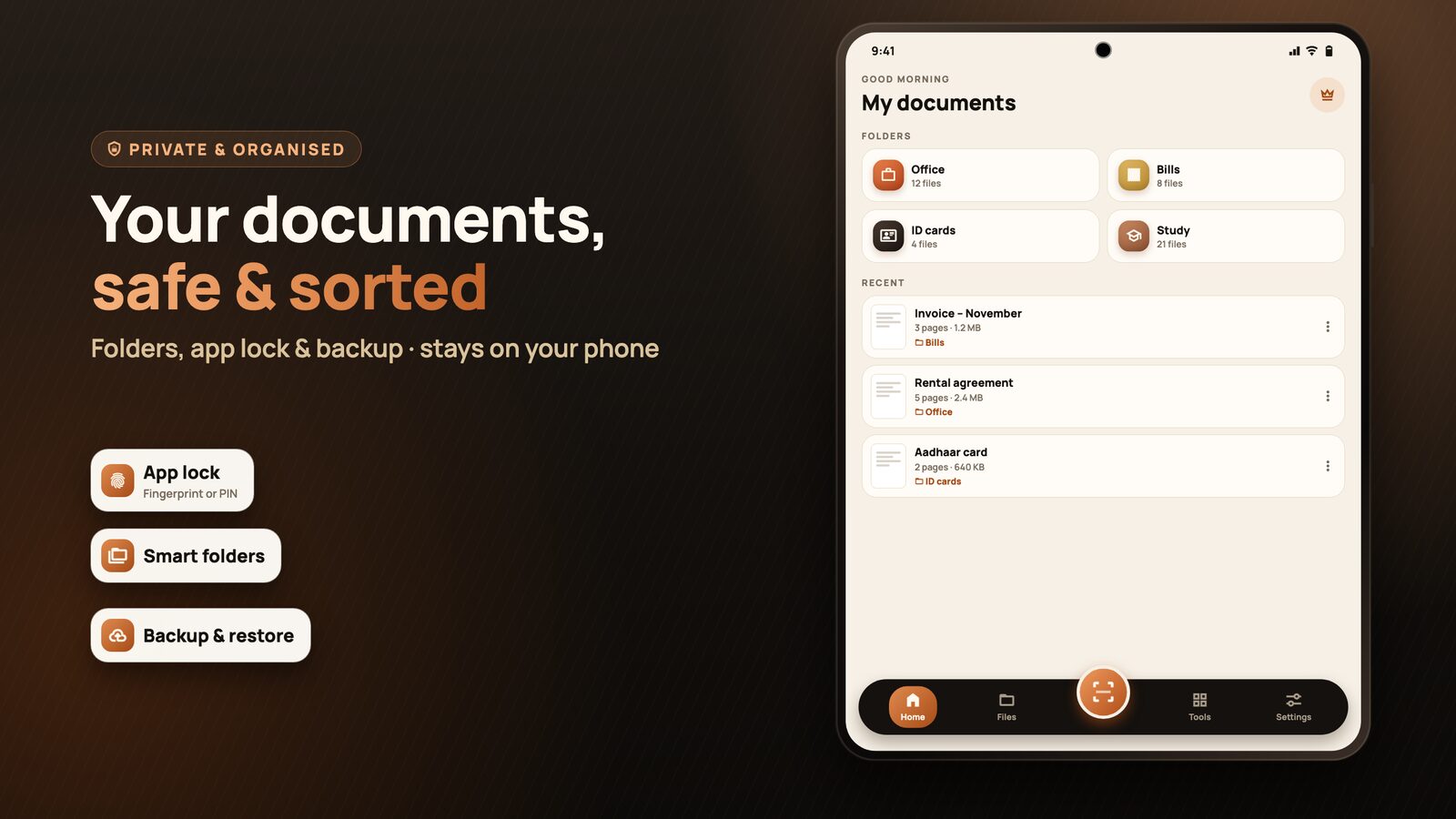
Sort scans into folders, with the folder name shown on recent files. Lock the app with your fingerprint or phone PIN, and back up everything to one file.
Scan UPI, WiFi and link QR codes. Create your own UPI payment, WiFi, contact or WhatsApp QR.
Compress a photo under a KB limit, increase its size or crop it, for any upload form.
Print straight to any Wi-Fi printer, or share by WhatsApp and email. Export as PDF or JPG.
Take a look
Scan, enhance, sign, convert and organise, all from one app. Swipe to see more.
Phones & tablets
DocScan 360 runs on Android phones and tablets, so you can review, sign and organise documents with room to spare.
Pricing
New here? Every Pro tool comes with 3 free tries to start. After that, the free plan includes 3 Pro tool uses a day. Pro removes the limit and all ads.
₹0, forever
₹99 / month · ₹499 / year · ₹1,299 lifetime
Prices shown in the app come from Google Play and may vary. Subscriptions renew automatically until cancelled in Google Play. Yearly includes a 3-day free trial for new subscribers.
Scanning, OCR, background removal and every PDF tool run on your device. No account, no cloud upload. Nothing leaves your phone unless you share it. Read our privacy policy.
FAQ
No. Download and start scanning. Pro purchases are linked to your Google Play account, so they come back automatically on a new phone.
Yes. All scanning and PDF tools work offline. Internet is only used for ads on the free plan, purchases, app updates and anonymous usage stats (which you can turn off in Settings).
No. Documents are stored only on your phone. They leave it only when you share, save or back them up somewhere yourself.
Open DocScan 360 → Settings → Manage subscription, or Google Play → Payments & subscriptions → Subscriptions. You keep Pro until the end of the period you paid for.
DocScan 360 hits the size you pick (for example under 200 KB) and keeps text readable. Always check the exact rules in your portal’s notice.
Yes. DocScan 360 works on Android phones and tablets. Your Pro purchase works on every device signed in to the same Google Play account.
Use Settings → Back up documents to create one backup file, save it to Google Drive or a folder, then use Restore from backup on the new phone.
Free on Google Play for Android phones.
